
Short answer: yes, for props, environment pieces, toys, product mockups and rapid concepting - Meshy is the fastest route from an idea to a textured, watertight mesh you can drop into Unity, Unreal, Blender or a slicer. It is not a replacement for a modeller on hero characters, tight mechanical parts, or anything needing hand-authored topology.
What is Meshy AI?
Meshy is an AI 3D model generator built for game developers, 3D printing hobbyists, product designers and XR prototypers. You give it a written prompt or a single reference image, and roughly a minute later you get back a textured 3D model with PBR maps that you can download in FBX, OBJ, GLB, USDZ, STL, BLEND, 3MF or DXF.
The current generation model is Meshy 6, with Meshy 4 and 5 still selectable. Beyond raw generation, the platform bundles AI texturing for models you already own, remeshing with a polygon budget you choose (roughly 3,000 to 100,000 polys, triangles or quads), auto-rigging and animation for bipeds and quadrupeds, and a browser viewer with wireframe overlay, topology stats and 3D-print validation.
What the output actually looks like
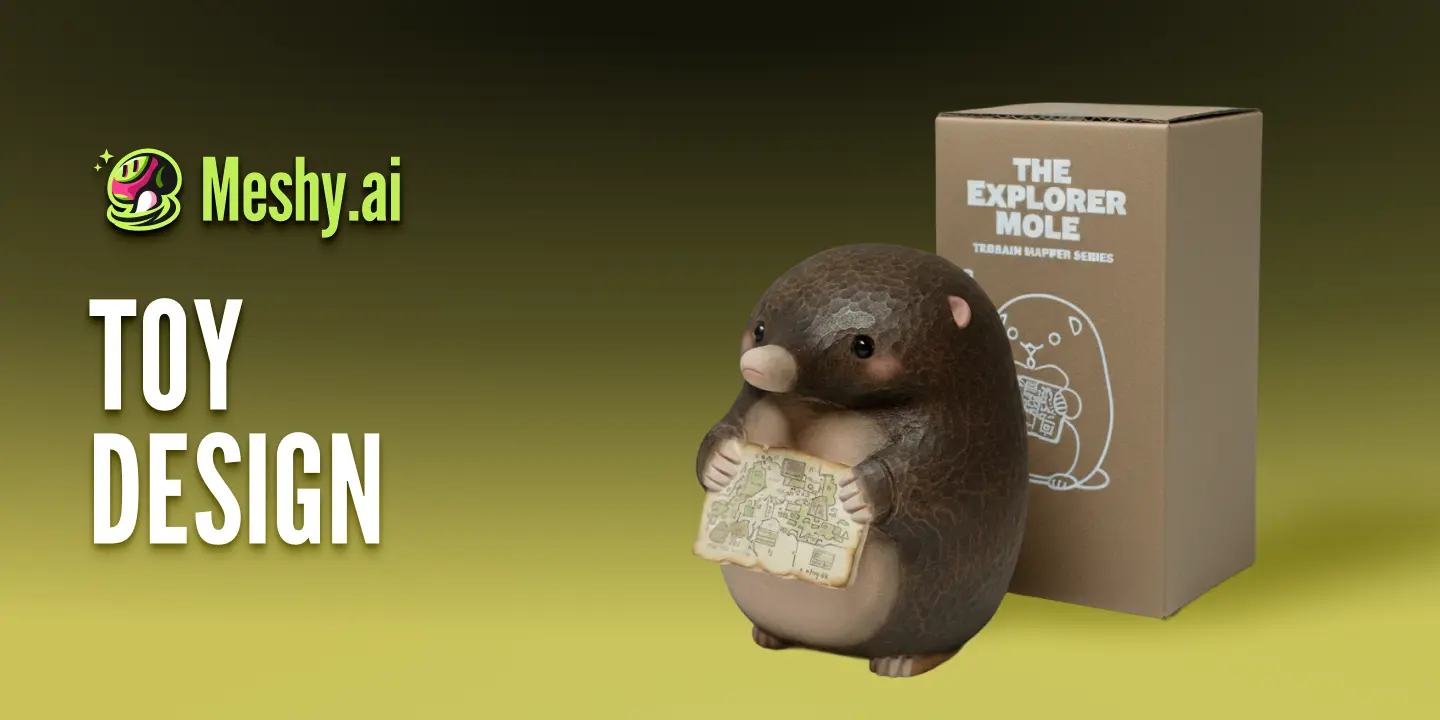
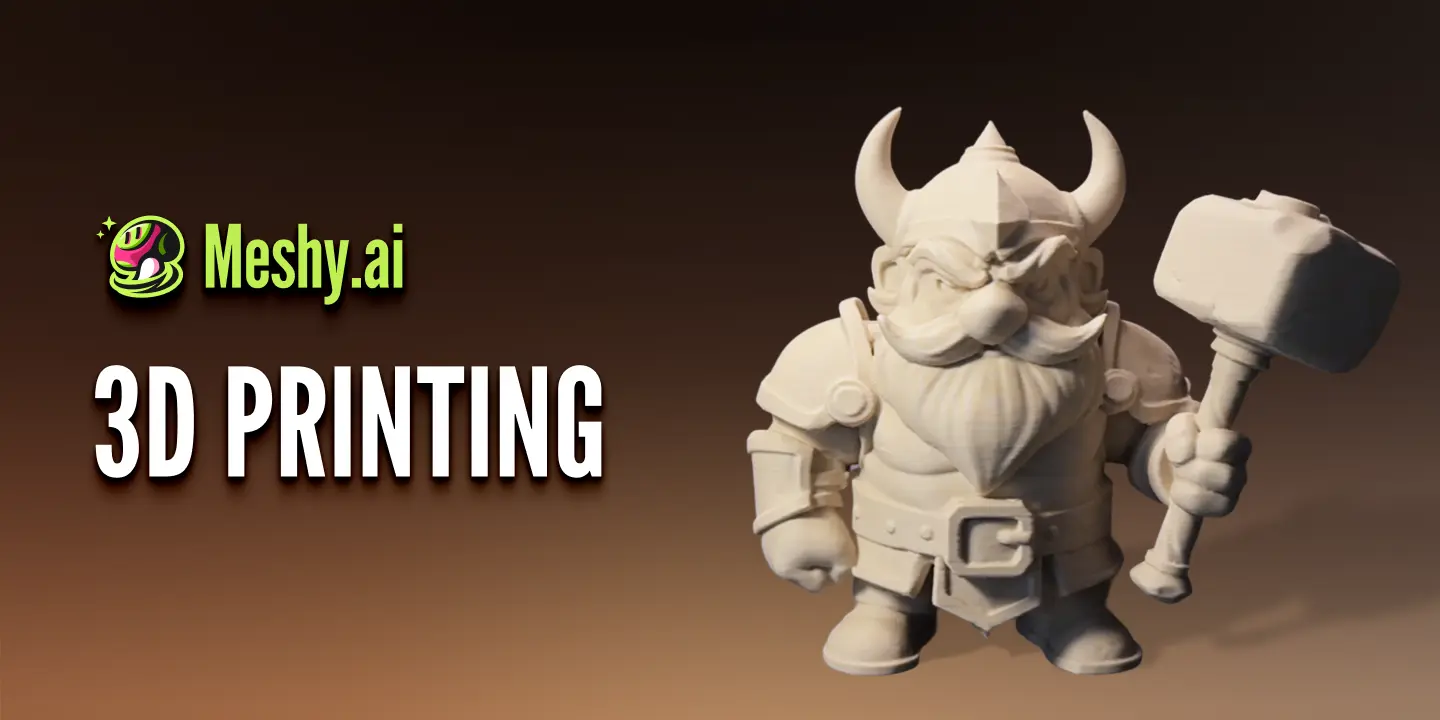
These are models generated from short text prompts - no post-processing, no cleanup pass. They're a fair representation of the quality band you should expect for props and stylised objects.
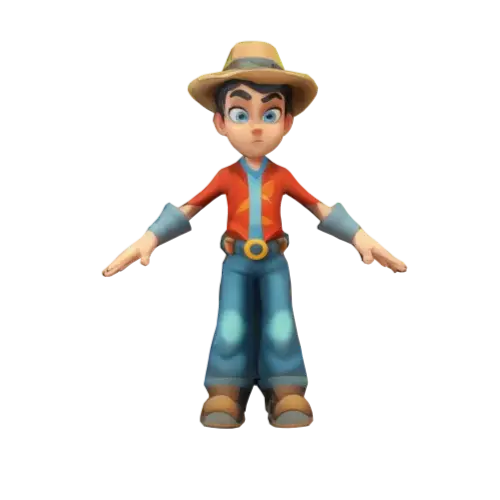
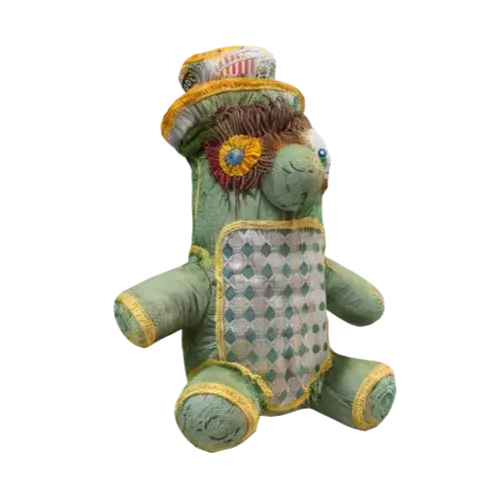
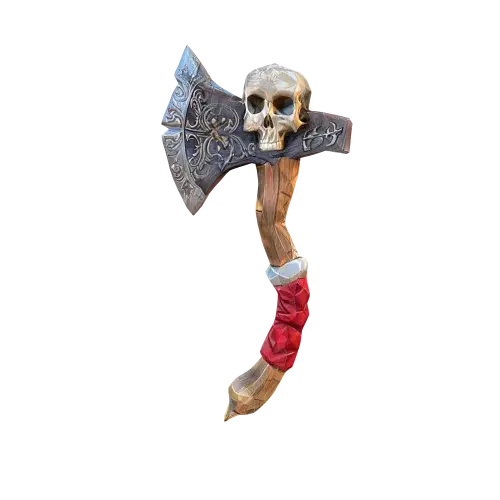
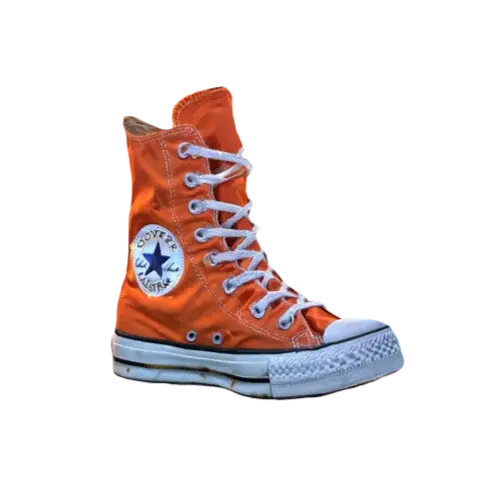
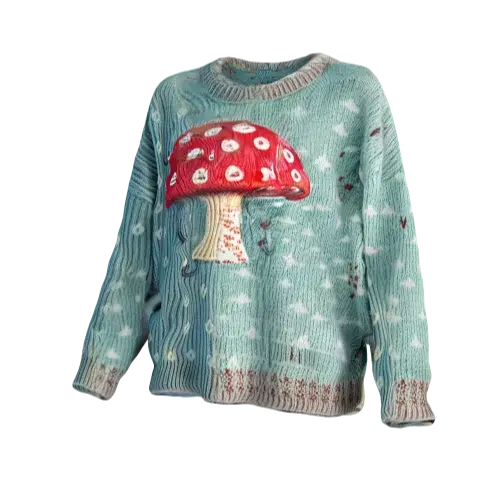
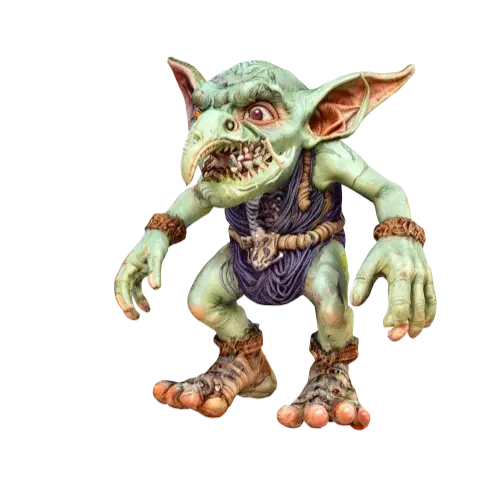
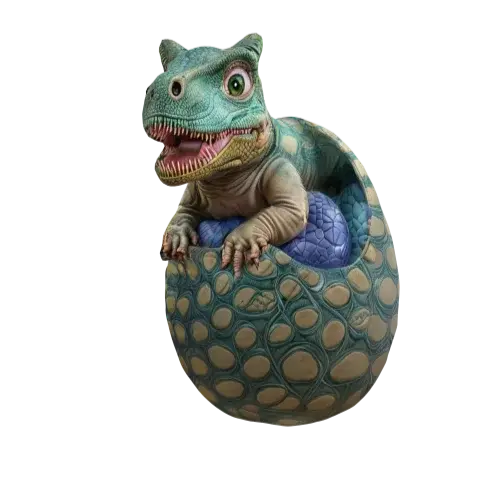
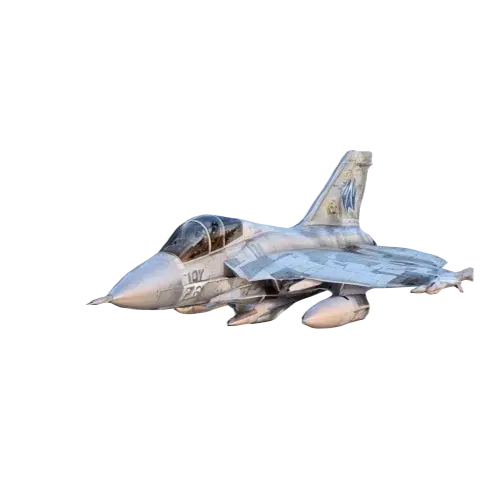
Sample outputs. Images: Meshy
Where the quality holds up
Silhouettes are clean and textures are genuinely good. Meshy 6 produces watertight meshes, which matters enormously if you're printing - you can usually go straight from download to slicer without a repair pass. Stylised and cartoon assets are the sweet spot: weapons, furniture, food items, vehicles, creatures, toys, environment clutter.
Where it breaks down
Hands, faces and fine anatomy are still the weak point - expect a sculpt pass in Blender or ZBrush for anything the camera gets close to. Precise mechanical parts (threads, tolerances, flat machined faces) come out approximated rather than accurate. And there's no manual topology control: you can set a polygon budget, but you can't dictate edge flow, so deformation-heavy characters need retopology.
Art styles and control
You pick a style before generating, and it meaningfully changes both geometry and materials. The four you'll use most:
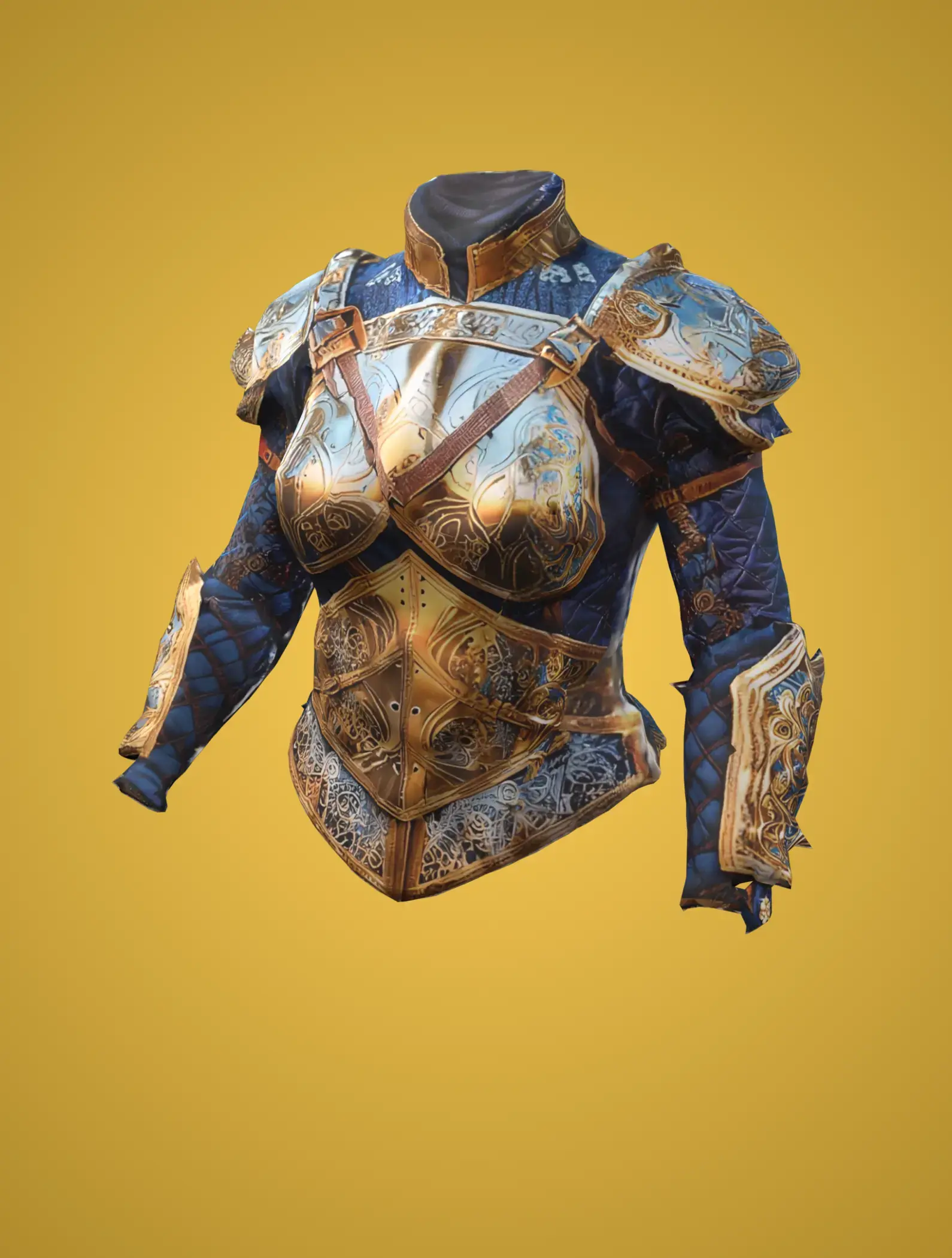
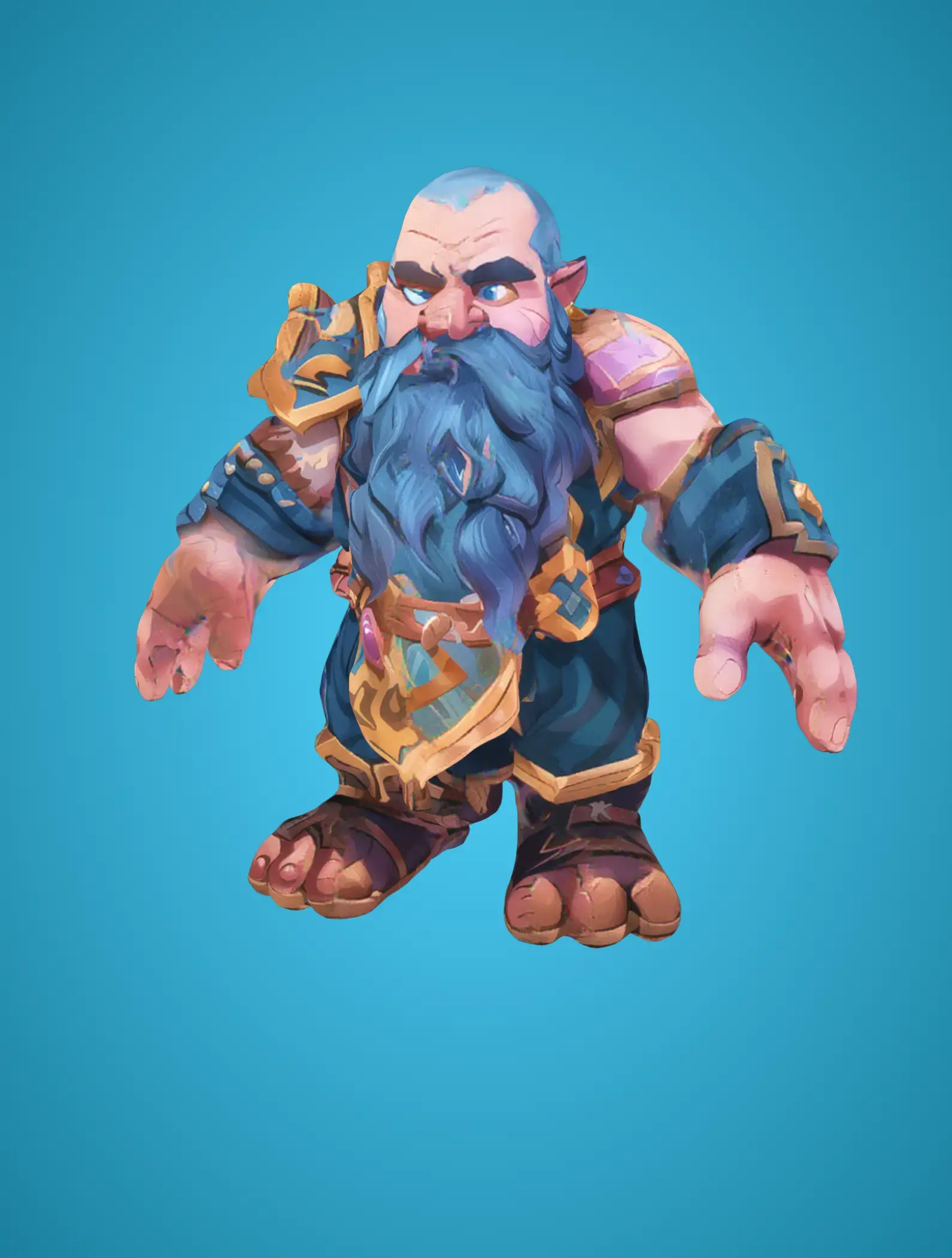
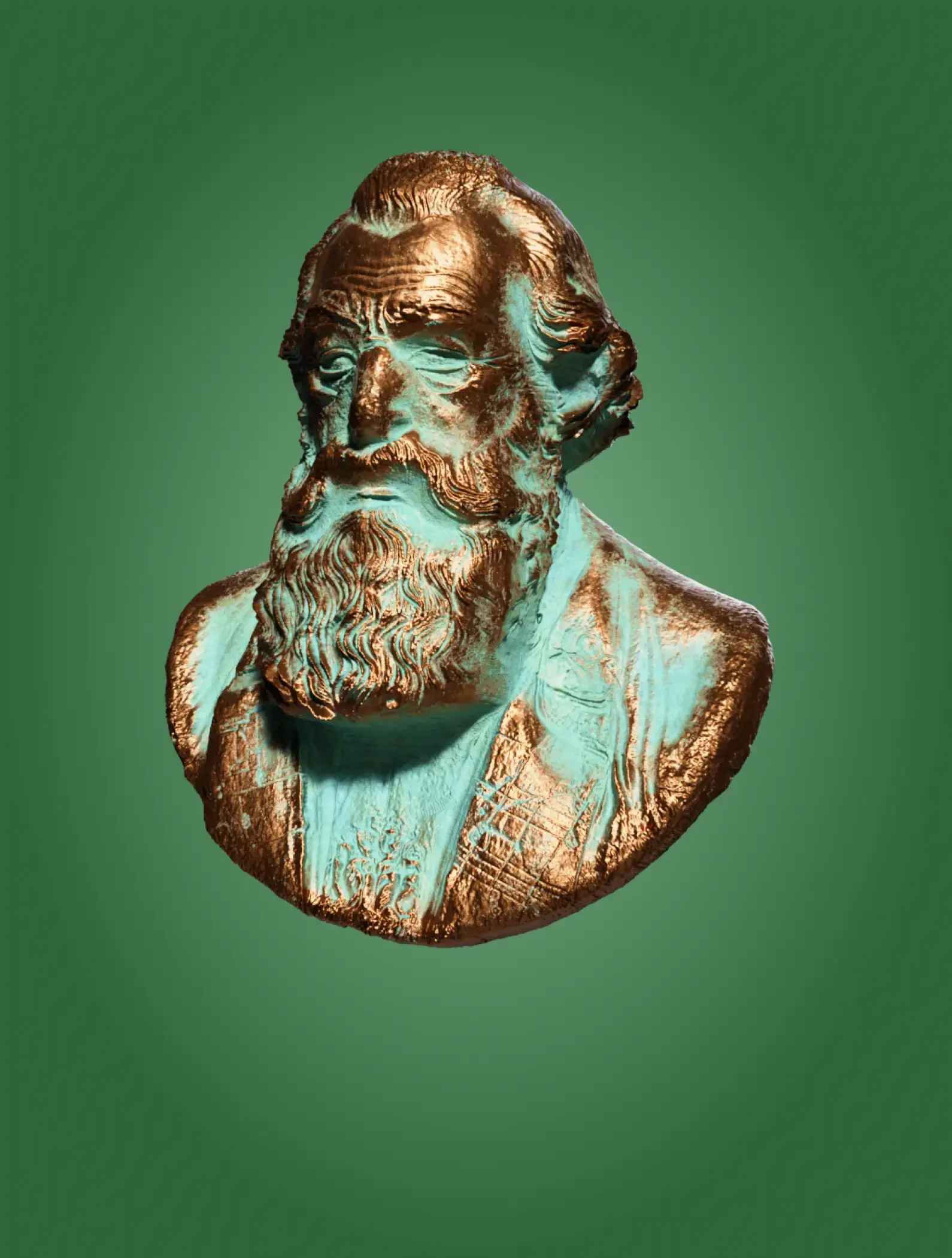
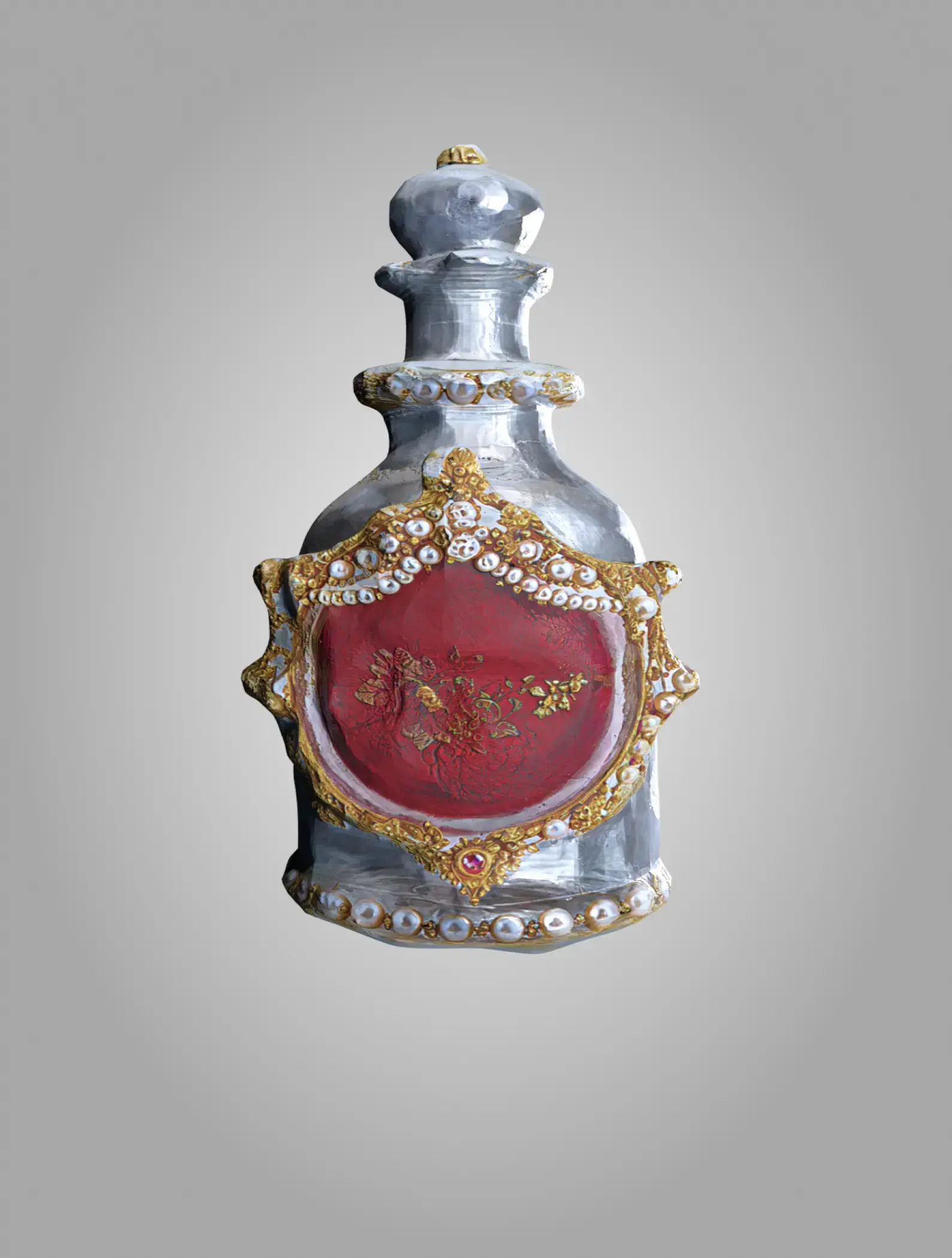
Prompts accept up to 800 characters and multiple languages. You also choose Standard (detail-heavy) or Low Poly (game-ready straight out of the box), and a pose - none, A-pose, T-pose or custom - which saves real time if the model is heading to a rig.
How it works, step by step
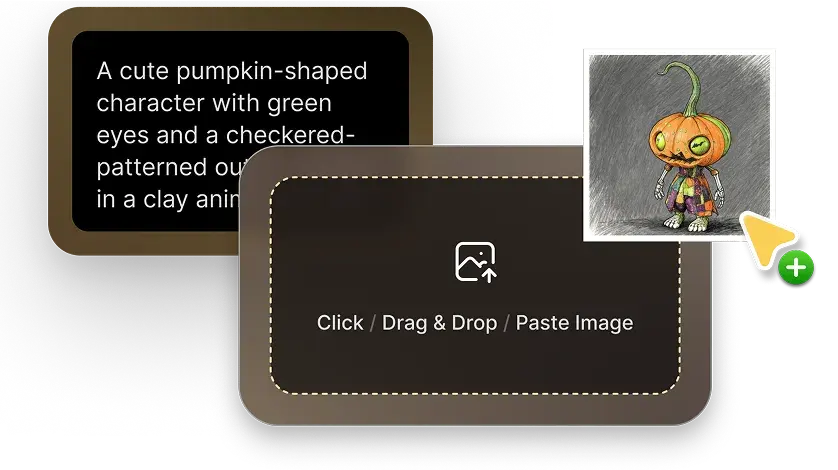
1Describe it or upload it
Type a prompt, or drop in a single image - a photo, a render, or concept art. Image-to-3D is the more reliable path when you already know exactly what the object should look like.
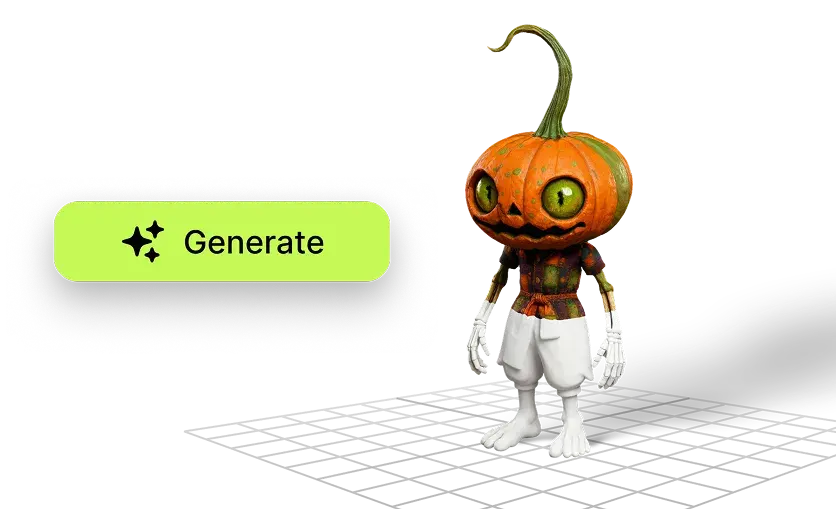
2Generate and pick a variant
Meshy returns model options in about a minute. Choose the one whose silhouette is closest to your intent - refining a good base beats re-rolling a bad one.
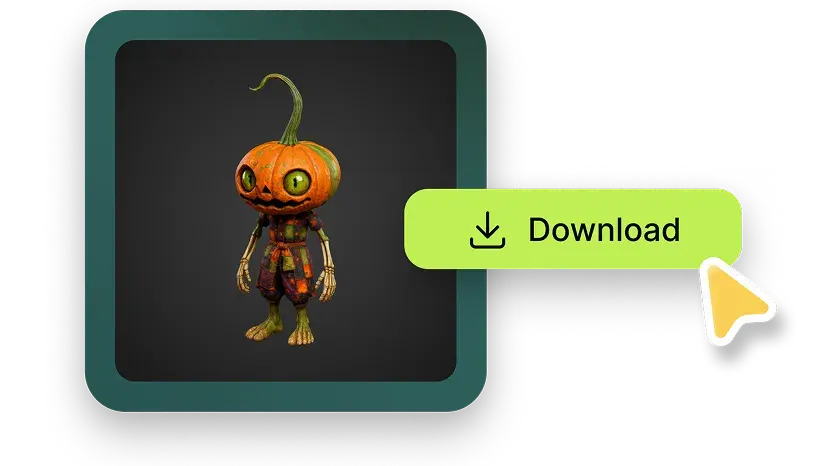
3Texture, remesh, export
Apply or edit AI textures, remesh to your polygon budget, check printability in the viewer, then export to FBX, OBJ, GLB, USDZ, STL, BLEND, 3MF or DXF - or pull it in through the Blender, Unity, Unreal or Godot plugin.
Features that actually matter
~1 minute generation
Fast enough to iterate on a prompt inside a single work session instead of batching overnight.
Full PBR maps
Base colour, normal, roughness and metallic - assets land in an engine looking correct, not flat.
Remesh with poly budget
Target 3K–100K polys, tris or quads. The single most useful feature for real pipelines.
Auto-rig & animate
Bipeds and quadrupeds get skeletons and preset animations without leaving the browser.
Print validation
Watertight output plus printability checks in the viewer - a genuine time-saver for makers.
API & plugins
REST API on paid plans, plus official plugins for Blender, Unity, Unreal and more.
Meshy AI pricing (2026)
Credits are the currency: every generation, texture and remesh spends them, and they reset monthly. Standard mode burns more credits than Low Poly.
| Plan | Price | Credits / month | Asset rights | Best for |
|---|---|---|---|---|
| Free | $0 | 100 | CC BY 4.0 - assets are public, attribution required | Trying it out, hobby prints, students |
| Pro POPULAR | $20/mo · $240/yr | 1,000 | Private assets, full commercial rights | Indie devs, freelancers, small studios |
| Premium | $40/mo | Higher allowance | You own everything you create | Full-time 3D work, heavier volume |
| Ultra | $100/mo | Highest individual allowance | Full ownership | Production pipelines, API-heavy use |
| Studio (team) | $70/mo + $10 per extra seat | Shared pool | Full ownership, team workspace | Studios collaborating on one library |
| Enterprise | Custom | Custom | Custom terms, wire transfer available | Large teams, procurement, compliance |
Pro is the meaningful upgrade, and not mainly for the credits: it's the tier where assets become private and commercially yours, generation runs materially faster, API access opens up, and you get up to 10 concurrent tasks. There's also a discounted education plan for students and educators. Prices verified against Meshy's pricing page in August 2026 - check the live page before buying.
Pros and cons
What we liked
- Genuinely fast - a usable mesh in about a minute changes how you iterate
- Meshy 6 output is watertight and print-ready without repair work
- Excellent PBR texturing straight out of the generator
- Eight export formats plus first-party Blender, Unity and Unreal plugins
- Remesh with a polygon budget makes assets pipeline-friendly
- Free tier is real and useful, not a two-generation teaser
- Clear commercial rights and private assets from $20/month
What held it back
- Hands, faces and fine anatomy still need manual cleanup
- No manual topology control - edge flow is whatever the model gives you
- Free-plan assets are public and CC BY 4.0 licensed
- Download limits and restrictions apply to the newest model on the free tier
- Credits cap how freely you can experiment on lower plans
- Precise mechanical and CAD-style parts are approximated, not accurate
- Auto-rigging works best on standard biped and quadruped shapes
Who should use Meshy - and who shouldn't
Worth it for
- Indie game devs filling a scene with props they'd otherwise buy from an asset store or skip entirely.
- 3D printing hobbyists who want a specific object now and don't model.
- Product and toy designers exploring form quickly before committing to CAD.
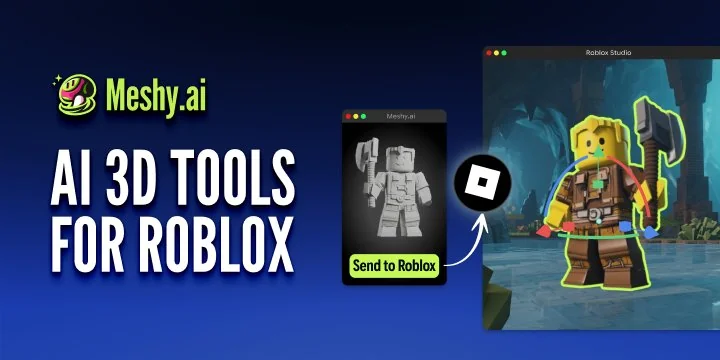
- AR/VR and Roblox creators who need low-poly volume more than surface perfection.
- Concept artists using generated meshes as 3D reference for painting and lighting.
Not worth it for
- Hero character artists - deformation-grade topology isn't there yet.
- Engineering and CAD work - dimensional accuracy is not what this tool does.
- Anyone who can't use public assets and won't pay for a plan.
Meshy vs the alternatives
| Tool | Starting price | Strength | Free tier | Our score |
|---|---|---|---|---|
| Meshy | Free · $20/mo | All-round: text & image to 3D, texturing, rigging, print-ready output | Yes - 100 credits | 4.5 |
| Tripo AI | Free · paid tiers | Fast image-to-3D, strong competitor on raw mesh | Yes | 4.3 |
| Luma AI | Free · paid tiers | Capturing real objects and scenes from video | Yes | 4.2 |
| Rodin (Hyper3D) | Free · paid tiers | Detail-heavy sculpts and characters | Yes | 4.2 |
| Blender (manual) | Free | Total control, correct topology, zero licensing questions | Free forever | - |
If you only ever convert photos of real objects, a capture tool like Luma may fit better. If you want one tool that covers prompt-to-model, texturing, rigging and export in a single subscription, Meshy is the safer default.
Final verdict: is Meshy AI worth it?
Yes - with a clear-eyed sense of what it replaces. Meshy doesn't replace a 3D artist. It replaces the hours you'd spend blocking out props, hunting asset stores for a mesh that's nearly right, or abandoning an idea because modelling it wasn't worth the time. For that job it's excellent, and at $20/month it pays for itself quickly if you ship anything with 3D in it.
Start on the free plan and generate ten things you actually need. If more than half are usable after a light cleanup pass, Pro is an easy call. If you're chasing hero characters or engineering-grade parts, save your money and keep modelling by hand.
Ready to test it yourself?
The free plan gives you 100 credits a month - enough to judge the quality on your own prompts before spending anything.
Visit Meshy AI →Frequently asked questions
Is Meshy AI free to use?
Yes. The free plan includes 100 credits per month. The catch is licensing: free output is CC BY 4.0 and publicly visible, and some newer-model downloads are restricted. Paid plans from $20/month make assets private and fully yours.
Can I use Meshy models commercially?
On paid plans, yes - you own the assets you create. On the free plan output is CC BY 4.0, meaning commercial use requires attribution and the asset stays public. For client work, use a paid tier.
What file formats does Meshy export?
FBX, OBJ, GLB, USDZ, STL, BLEND, 3MF and DXF, which covers Unity, Unreal, Blender, Godot, AR viewers and slicers.
Are Meshy models good enough for 3D printing?
Generally yes. Meshy 6 produces watertight meshes and the viewer includes printability validation, so most models go straight to a slicer. Fine details and thin features still deserve a check before you commit filament or resin.
Is the topology usable for animation?
For props and rigid objects, yes. For deforming characters, expect to retopologise - you can set a polygon budget but not edge flow. Low Poly mode gives the most engine-friendly result out of the box.
How long does one model take?
About a minute for a first result. Paid plans generate noticeably faster and allow up to 10 concurrent tasks, so you can queue variations in parallel.
Product images courtesy of Meshy. Pricing and feature details verified against Meshy's official pages in August 2026 and may change - confirm on the vendor site before purchasing. This review may contain affiliate links; it does not affect our scoring.